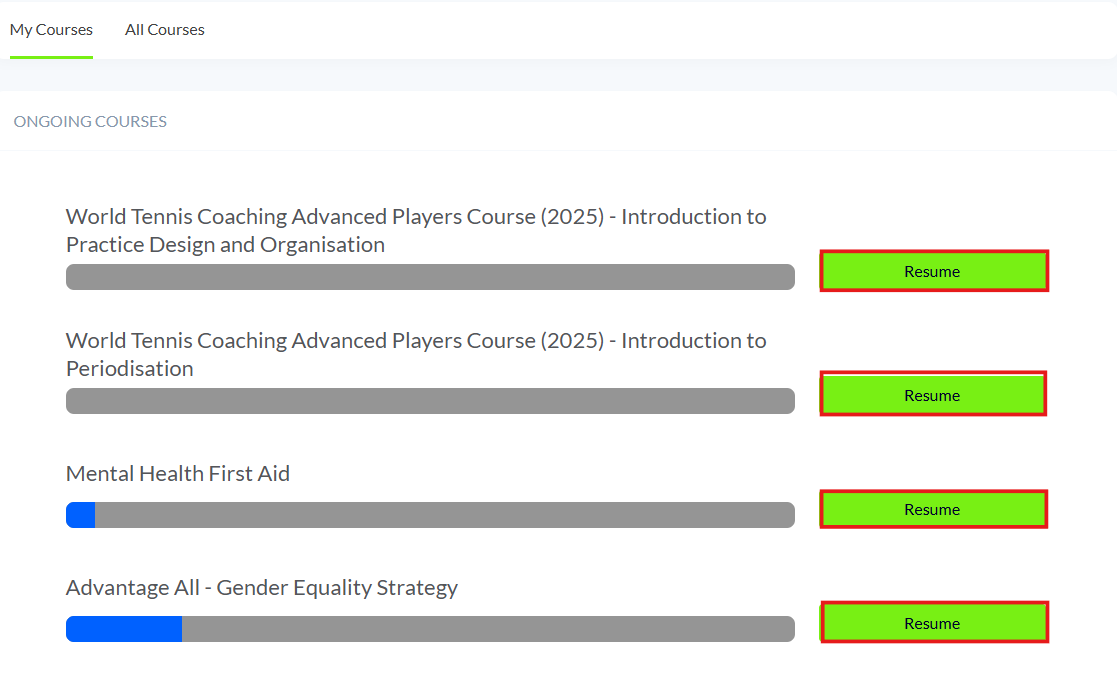
Option 1:
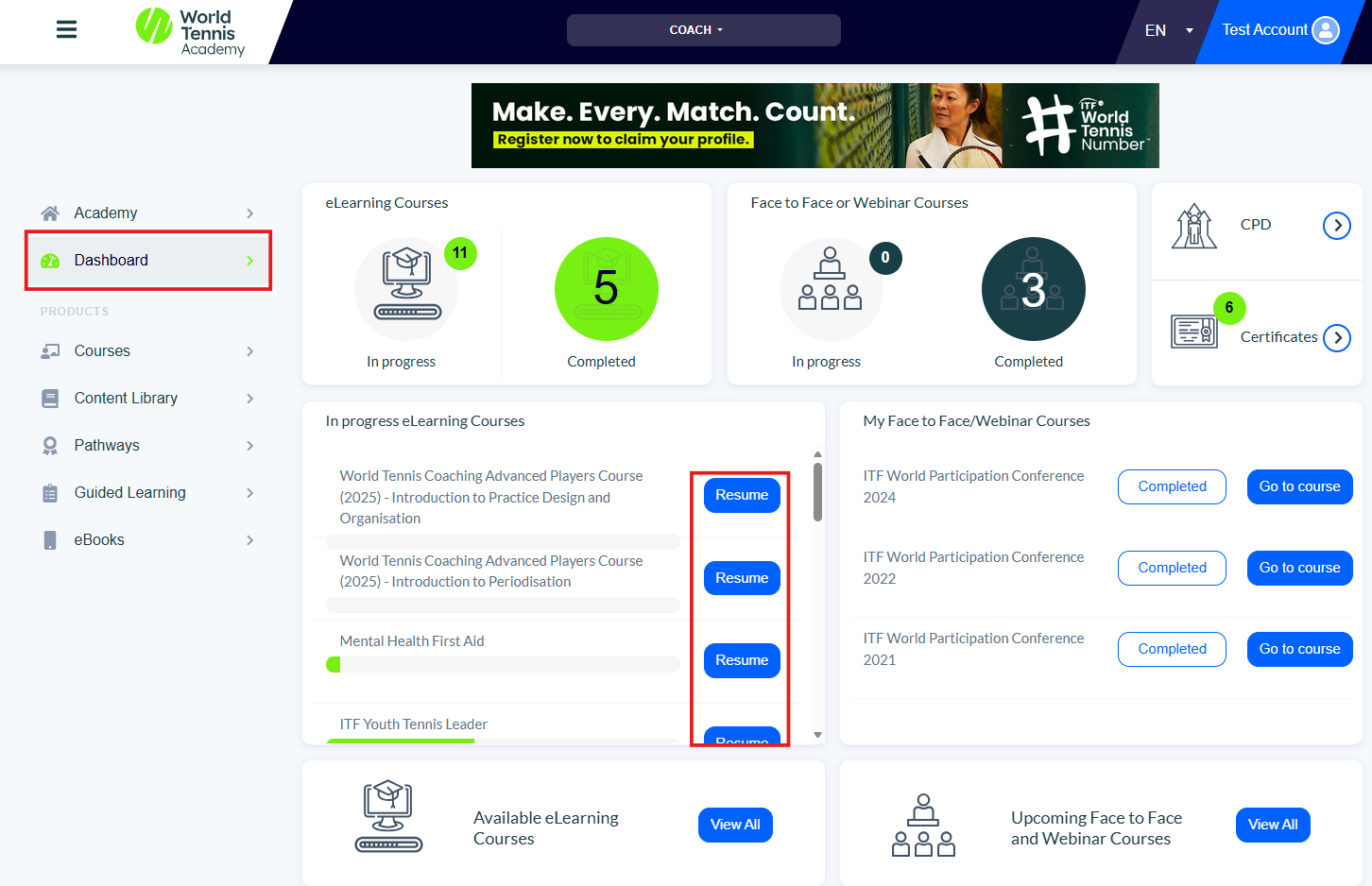
On your dashboard, you can view any eLearning courses that are currently in progress. To continue a course, simply click 'Resume' next to the course title.
Option 2:
Once you are logged into your account, you need to click ‘Courses’ then click ‘eLearning’ on the left menu or on the homepage.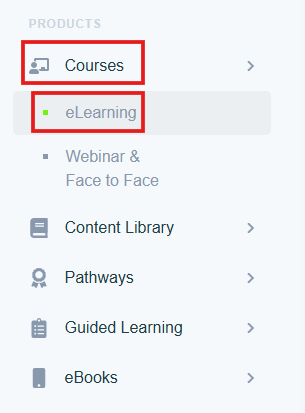
You will then see any courses you have previously started; to resume the course you need to click ‘Resume’ next to the course name.